
Choose the structure
Use a balanced grid, one editorial hero or flexible photo columns.
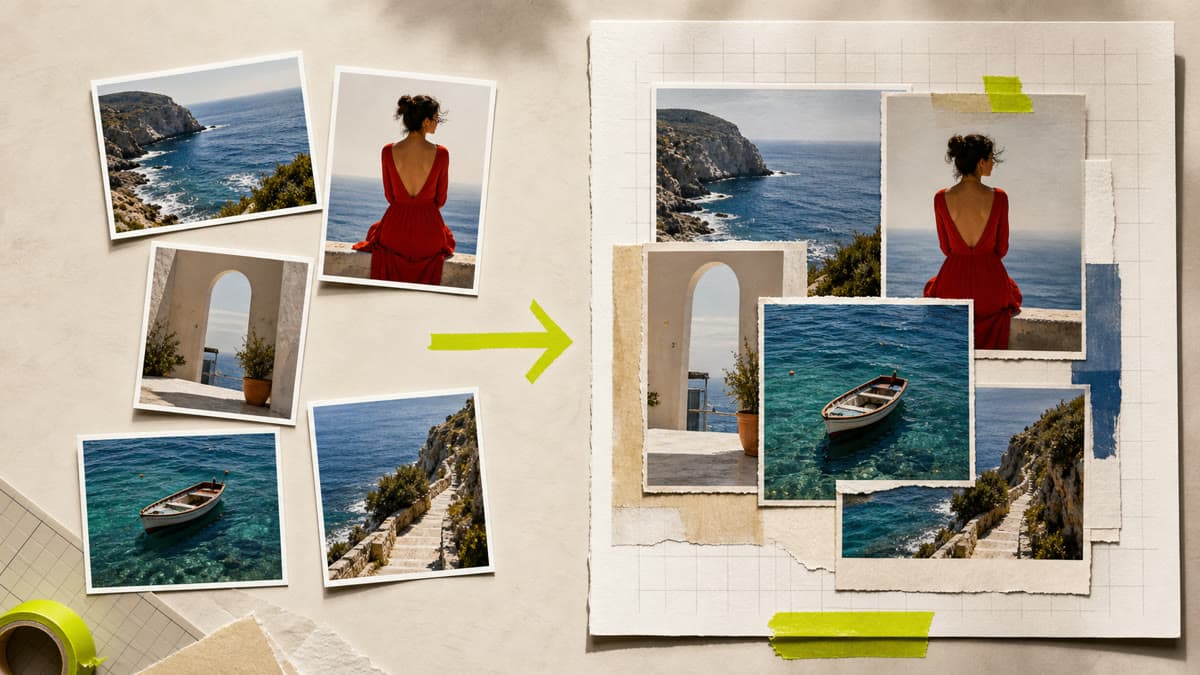
Choose the photos, set their order and build one composed output without flattening the sources or giving up control of the crop.
Use a balanced grid, one editorial hero or flexible photo columns.
Set spacing, corners, background and output format before opening Canvas.
Every source becomes an independent private image layer you can crop, resize or reorder.
Select compatible images from the active private Library in the order they should appear.
Pick the format, structure, spacing, corner treatment and background while previewing the result.
Brava builds a private Canvas document ready for final crop adjustments and JPG, PNG or WebP rendering.
You can arrange between 2 and 8 compatible private images in one collage.
Yes. Every photo remains an independent Canvas layer with editable size, position, crop focus and order.
No. Sources, the editable document and rendered outputs remain scoped to your private workspace.
Choose the images, direct the structure and keep the result editable from first layout to final export.
Create a collage