Choose a ratio
Use common presets for feeds, stories, video covers and web placements.
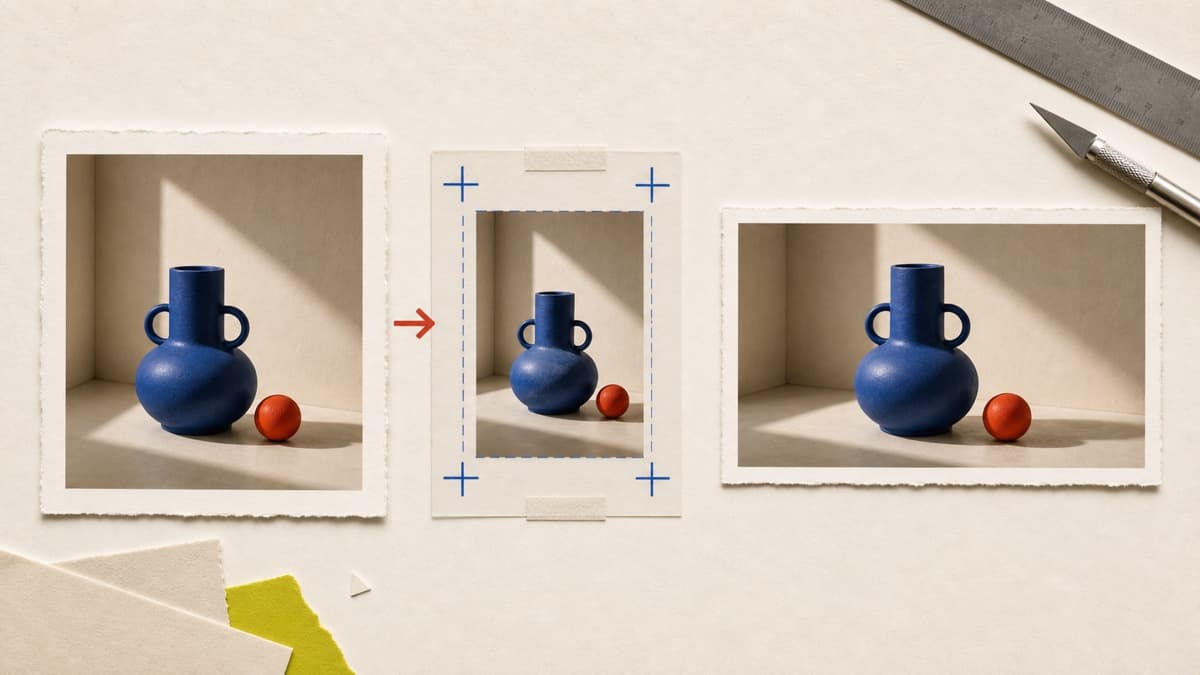
Turn a finished image into square, portrait, story or landscape versions without rebuilding the creative from zero.
Use common presets for feeds, stories, video covers and web placements.
Keep the important part of the image in frame while changing its format.
Export each adaptation as a new asset and preserve the full-size source.
Choose a generated or uploaded image from your private Library.
Select 1:1, 4:5, 9:16 or 16:9 and preview the crop.
Choose the file format and save a separate version ready to use.
Brava supports original, 1:1, 4:5, 9:16 and 16:9 crops in the image editor.
No. The resized file is stored as a new private version and the source remains available.
Yes. You can export the adapted version as JPG, PNG or WebP.
Choose the source, set its destination ratio and keep every useful version together.
Resize an image