
Keep the source
Use an existing photo as the visual foundation instead of generating from a blank page.
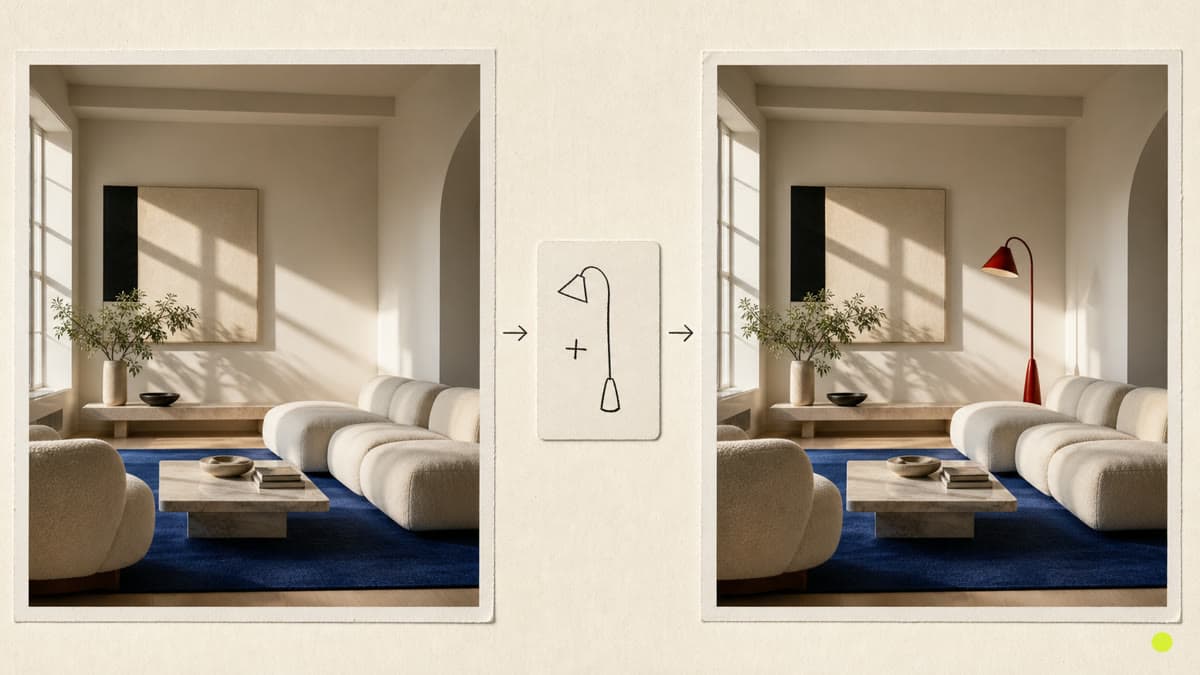
Start from your photo and describe the result in plain language—from a new setting or material to a focused visual refinement.
Use an existing photo as the visual foundation instead of generating from a blank page.
Describe the subject, setting, material, light or style you want to transform.
Generate a new private result and leave the original available in your Library.
Select an image from your private Library or upload the source you want to change.
Write what should change and what must remain recognizable in the final image.
Create a new version, review it and continue refining from the result when needed.
The regular editor handles precise crop, color and export controls. This AI workflow generates a new visual version from a photo and a written instruction.
State what should change, what should stay, and the desired setting, light, material or visual style. Specific direction usually makes the result easier to evaluate.
No. Brava keeps the source in your private Library and saves the generated edit as a separate result.
Choose a source, describe the change and generate a new private image in the same creative workspace.
Edit a photo with AI