
Own the headline
Edit real text layers so the words stay intentional, readable and correctly spelled.
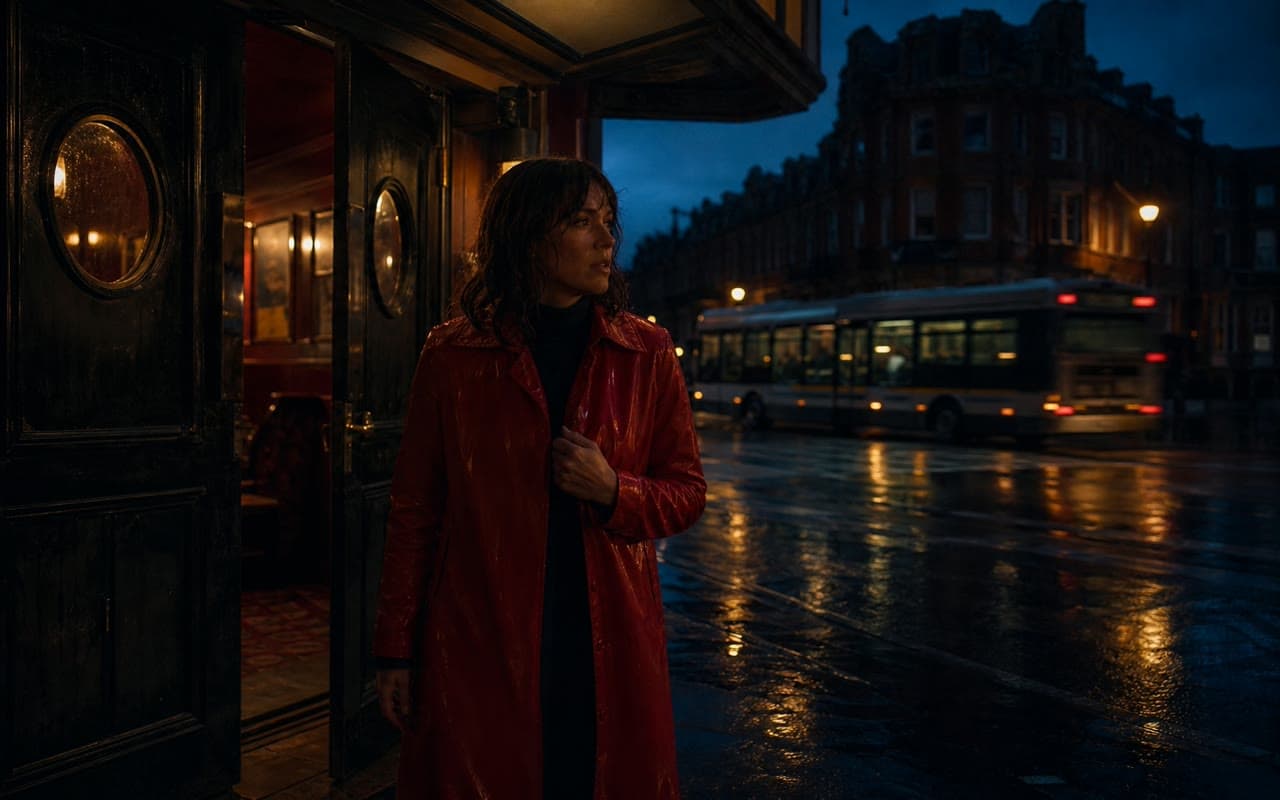
Open a composed 16:9 thumbnail, replace every layer and export a sharp file without asking AI to spell your headline.
Edit real text layers so the words stay intentional, readable and correctly spelled.
Change the palette, move every element and add imagery from your private Library.
Render a separate JPG, PNG or WebP while keeping the working document editable.
Brava creates a private 1920 × 1080 Canvas document from the job template.
Replace the headline, timing, colors and visual layers with your own direction.
Export the finished file to your Library and download the format you need.
The template uses a 1920 × 1080 16:9 Canvas, ready for a high-resolution export.
No. Headlines are editable text layers, which keeps spelling, hierarchy and final wording under your control.
Yes. Add any compatible image from your private Brava Library as a movable Canvas layer.
Open the editable 16:9 template and shape every word, color and visual before export.
Make a thumbnail