
Scale up
Choose 2× or 4× output within safe workspace and image limits.
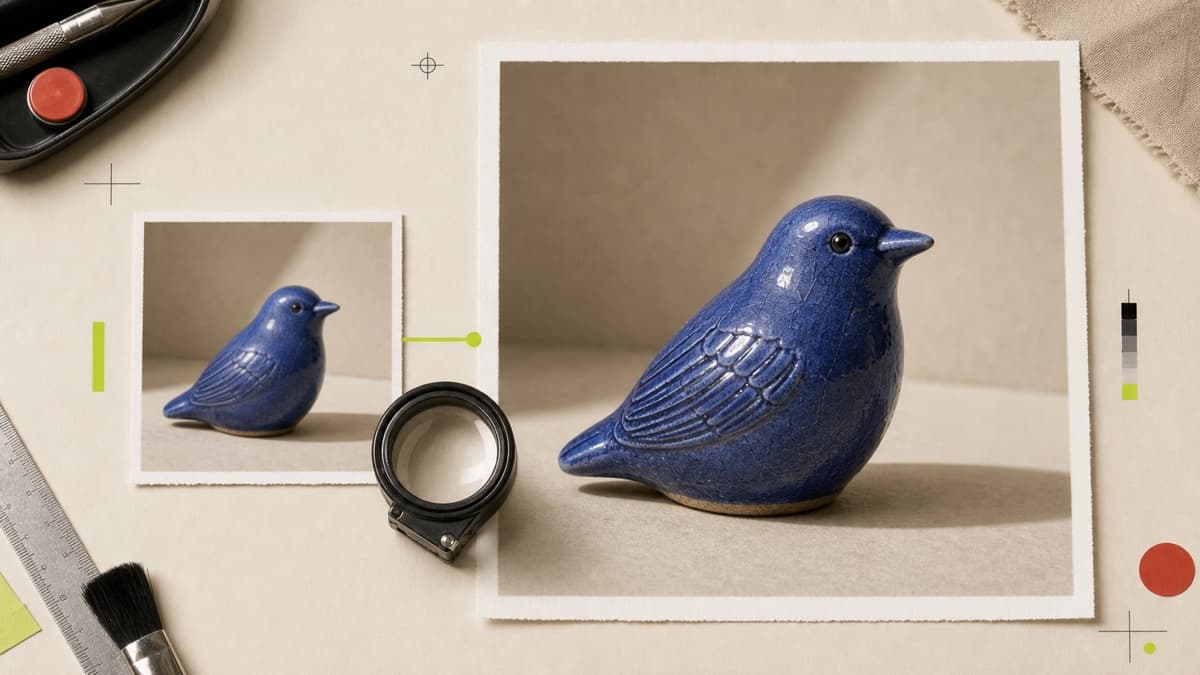
Increase resolution to 2× or 4×, add optional detail enhancement and export a new version for larger placements.
Choose 2× or 4× output within safe workspace and image limits.
Apply optional enhancement to improve perceived edge and texture clarity.
Save the larger file separately so the original is always available.
Open a JPG, PNG or WebP from your private Library.
Set the scale and decide whether the result needs extra detail enhancement.
Save a separate PNG, JPG or WebP linked back to its source.
The editor provides 2× and 4× scale options, subject to safe decoded-image and workspace storage limits.
No. It is optional, so you can choose a clean scale or add a sharper perceived finish.
No. Brava exports a new private file and retains the original.
Choose 2× or 4×, preview the finish and save the result as a new private asset.
Upscale an image