
Frame it
Crop to common square, portrait, story and landscape formats.
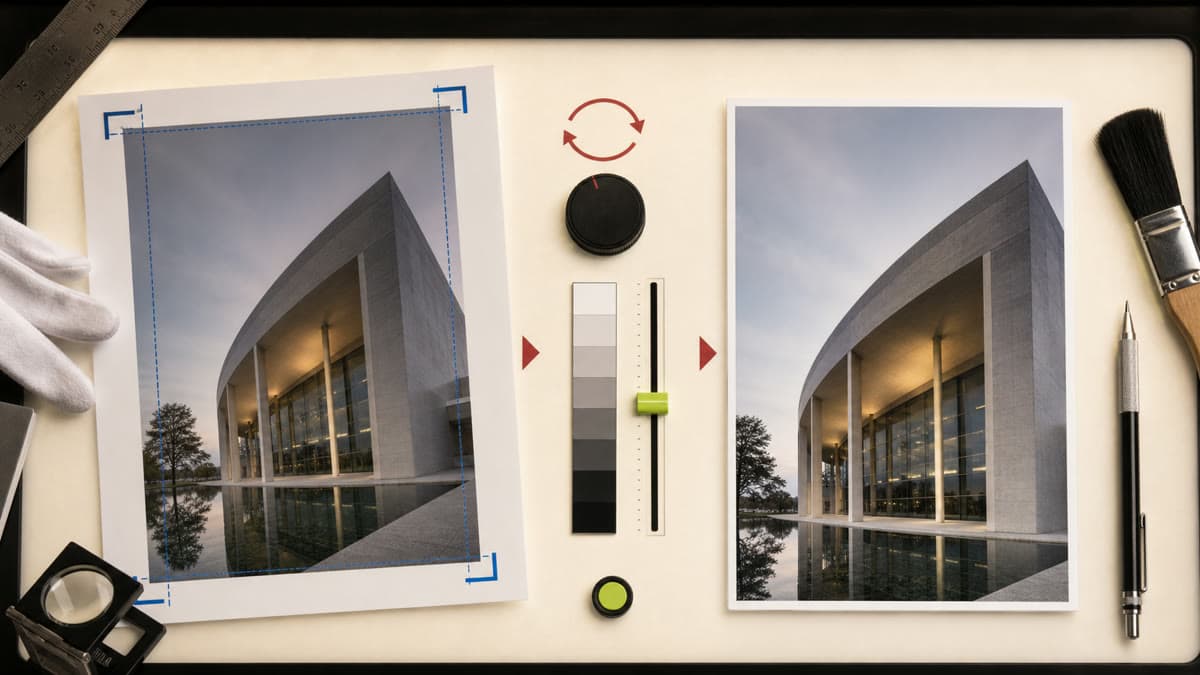
Crop for the format you need, correct the frame and export a clean new version without changing the original.
Crop to common square, portrait, story and landscape formats.
Adjust brightness, contrast and saturation; rotate or flip when needed.
Choose JPG, PNG or WebP and save the edit as a new private asset.
Open something from your private Library or upload a new JPG, PNG or WebP.
Set the crop and visual adjustments while previewing the result.
Export a new file. Brava preserves the source and its lineage.
No. Every edit is saved as a new private asset and the source remains unchanged.
Brava accepts JPG, PNG and WebP source images and exports JPG, PNG or WebP.
Yes. The editor includes square, 4:5 portrait, 9:16 story and 16:9 landscape crops.
Open the editor, choose a private source and make the version you actually need.
Edit an image