
Collect the signals
Bring generated or uploaded images from your private Library into one working board.
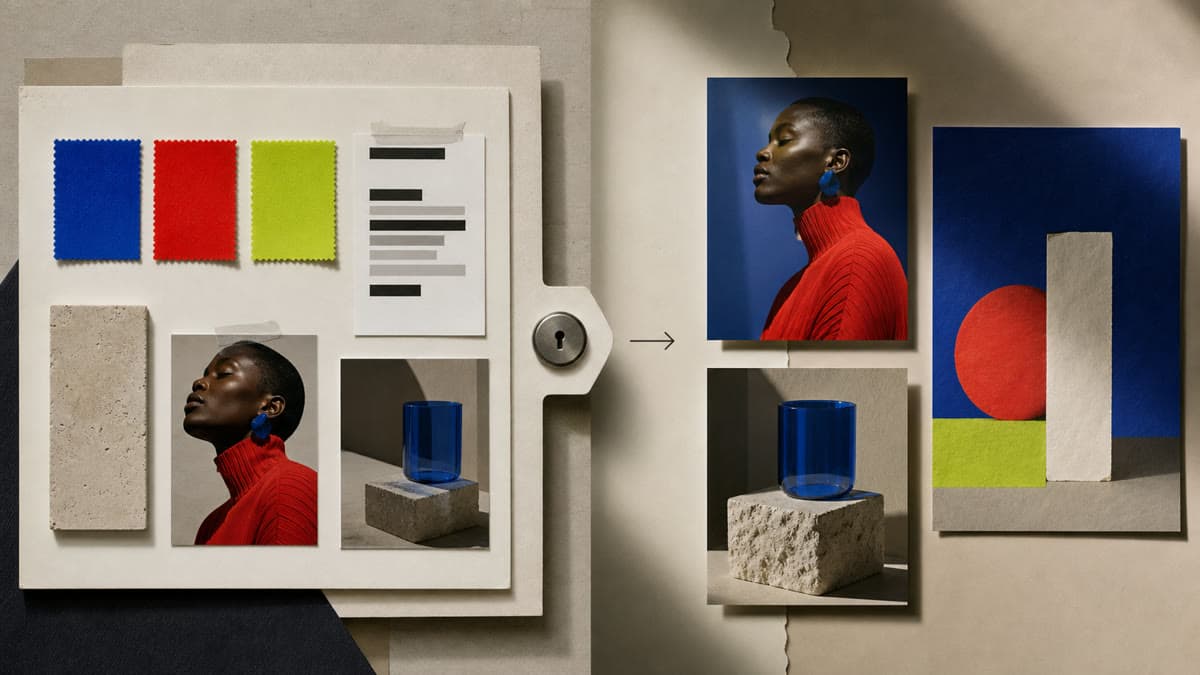
Arrange imagery, color, texture and notes in a private 16:9 board that stays editable as the idea evolves.
Bring generated or uploaded images from your private Library into one working board.
Move images, edit notes and tune colors without flattening the document.
Export a clean JPG, PNG or WebP and keep the source ready for the next revision.
Brava creates an independent 1920 × 1080 moodboard in your workspace.
Choose Library images as independent layers, then position and resize each one.
Add the direction in text, refine the palette and save a rendered version.
No. Library files, the editable document and its renders remain scoped to your private workspace.
A Canvas document supports up to eight independent private image layers, plus text and shapes within the document limit.
Yes. Rendering creates a separate asset while the moodboard document remains editable.
Open the moodboard, add private references and keep the working source ready for every revision.
Build a moodboard