Start at 9:16
Use the native full-screen frame from the first decision instead of cropping a feed post later.
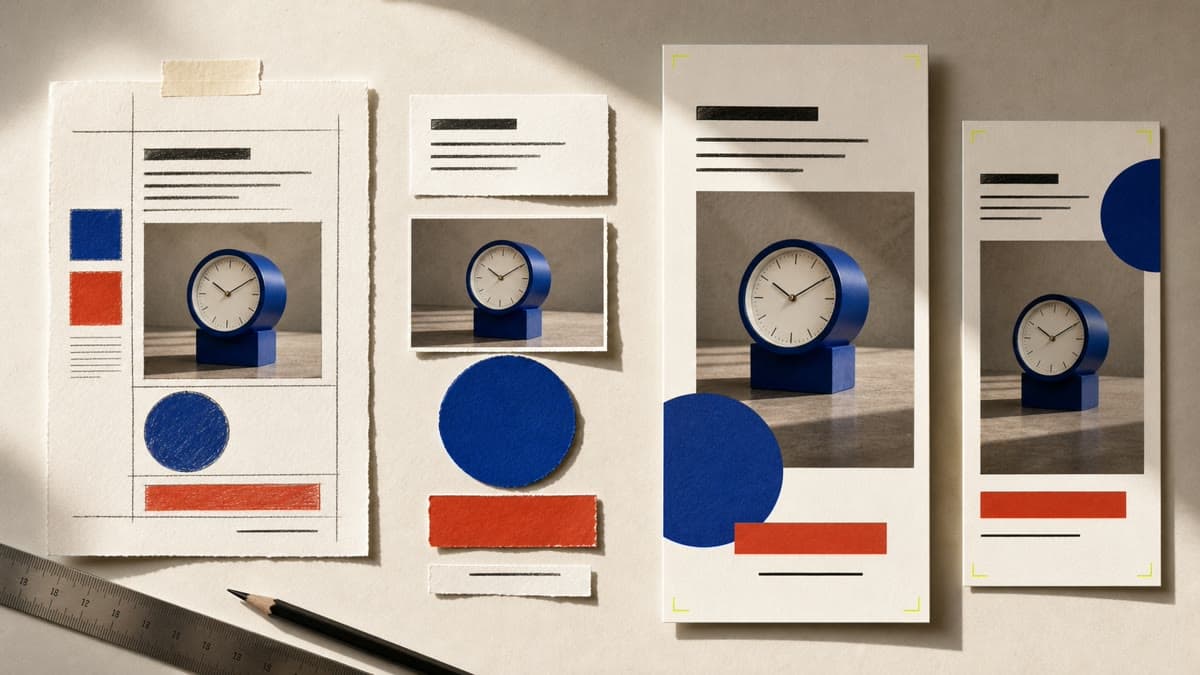
Build in the native 9:16 mobile frame, keep the message readable and render a finished Story while every layer remains editable.
Use the native full-screen frame from the first decision instead of cropping a feed post later.
Position the headline, handle, call to action, shapes and imagery as separate layers.
Export the finished Story and keep the Canvas ready for the next frame or revision.
Create a private 1080 × 1920 document with safe breathing room for the message.
Replace text and colors, move shapes and add a compatible private Library image.
Save JPG, PNG or WebP to the Library and download the mobile-ready file.
The template is 1080 × 1920 pixels, the standard 9:16 vertical format for full-screen mobile Stories.
Yes. Add any compatible image from your private Library as a movable layer and adjust its crop and stacking order.
Yes. Create or duplicate independent Canvas documents so each frame remains editable and exportable on its own.
Open the native Story format, control the reading order and render the finished mobile asset.
Make an Instagram Story