Use the full frame
Work in a native 4:5 portrait document instead of adapting a generic square at the end.
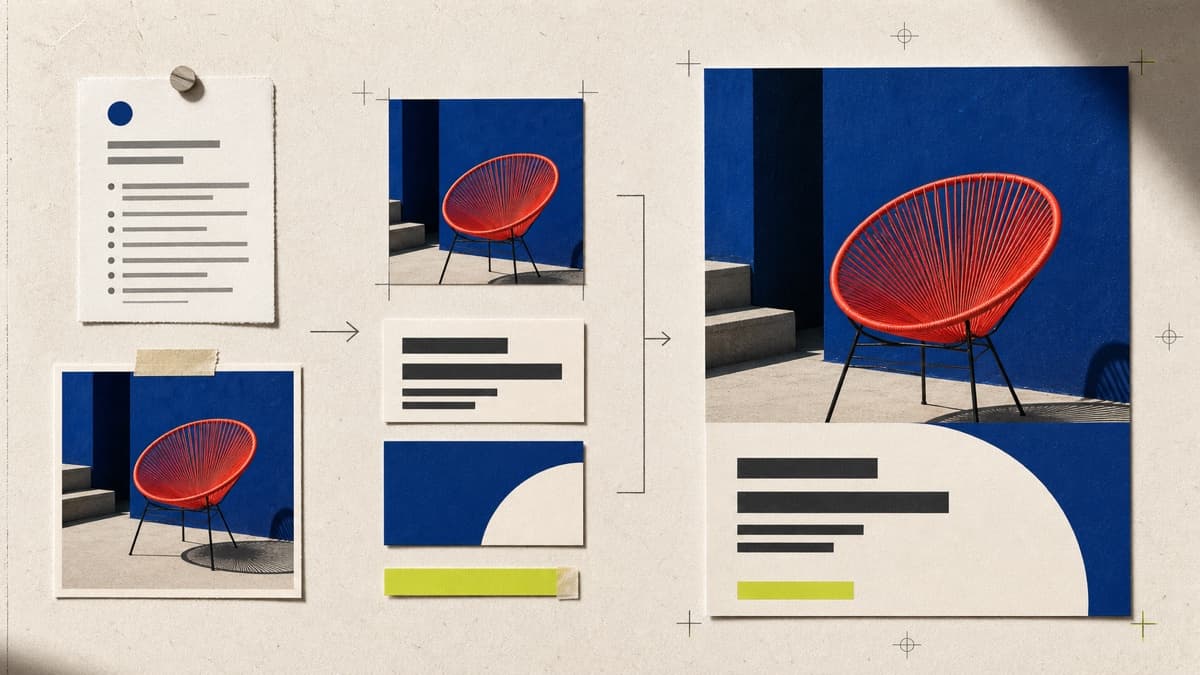
Start in the native 4:5 portrait format, direct every word and visual layer, then render the finished post without losing the editable source.
Work in a native 4:5 portrait document instead of adapting a generic square at the end.
Change the headline, handle, call to action, colors, shapes and optional Library imagery.
Render a clean file while the private Canvas remains ready for revisions or another version.
Brava creates an independent 1080 × 1350 document in your private workspace.
Edit each text and shape layer, then add a compatible image from your Library if needed.
Save JPG, PNG or WebP to the Library and download the version ready to publish.
The document is 1080 × 1350 pixels, a 4:5 portrait format that uses more vertical feed space than a square post.
Yes. Add a compatible image from your private Library as an independent layer, then move, crop and resize it.
No. Brava creates and exports the finished file; you choose when and where to publish it.
Open the 4:5 template, direct every layer and render the exact file you want to publish.
Make an Instagram post