
Anchor the look
Begin from a specific uploaded or generated image instead of recreating its visual direction from text.
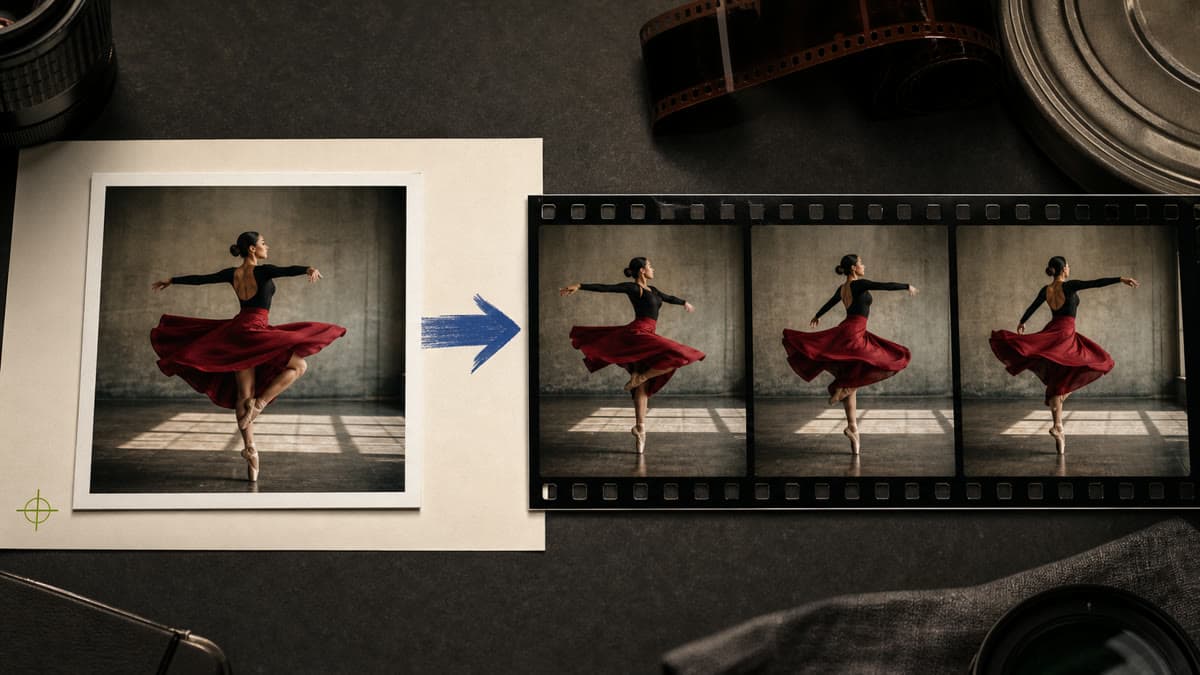
Use a finished image as the visual anchor, then describe how the camera and subject should move. The source stays untouched while Brava creates a separate private clip.
Begin from a specific uploaded or generated image instead of recreating its visual direction from text.
Describe camera behavior, subject action and what should remain stable through the shot.
The still image remains unchanged while the resulting clip is stored as a new private asset.
Upload a compatible still or select an existing image from your private Library.
Set camera movement, subject action, pace and the visual details that must remain consistent.
Create the short clip and review whether motion preserves the intent of the source.
No. The source remains intact and the generated video is saved as a separate private asset.
Describe camera behavior, subject action, pacing and any elements that should stay visually stable.
Yes. Choose a compatible image from your Library or upload a new source.
Choose the source image, describe purposeful motion and create a separate private clip.
Turn image into video