
Hold the brief constant
Both models receive the same visual direction and format so the comparison stays useful.
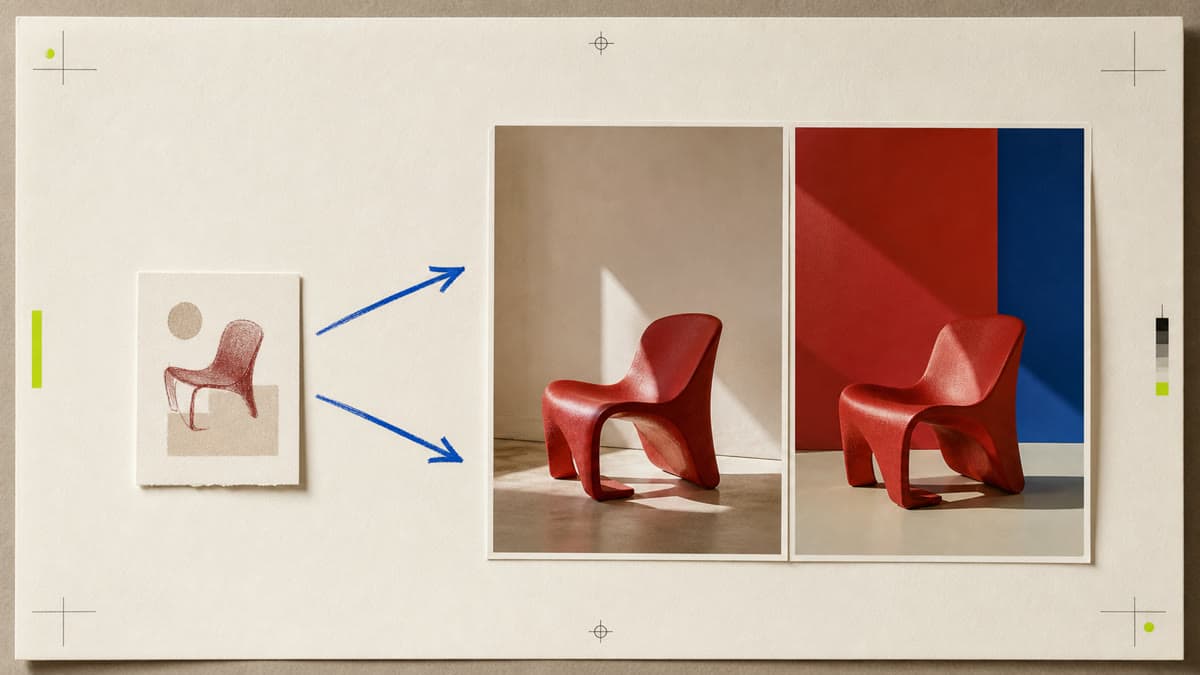
Stop judging image models from unrelated examples. Brava sends the same brief and format to two available models so you can compare the results for your actual job.
Both models receive the same visual direction and format so the comparison stays useful.
Review composition, subject fidelity and visual character without switching workspaces.
Keep each successful result privately and remix the direction that best serves the job.
Describe the image and format once, with enough direction to evaluate the result.
Select two distinct runnable image models from those available in the workspace.
Generate both results together and inspect them side by side before continuing.
Yes. The exact launcher keeps one shared prompt and output format for both requests.
The focused comparison workflow runs two distinct available image models side by side.
Credit handling is tracked per generation, and failed work follows the workspace refund rules shown before creation.
Select two available models, generate the same direction and compare the results where they belong: side by side.
Compare two models