
Keep the words
Start from the exact script you intend to record and revise it before using credits.
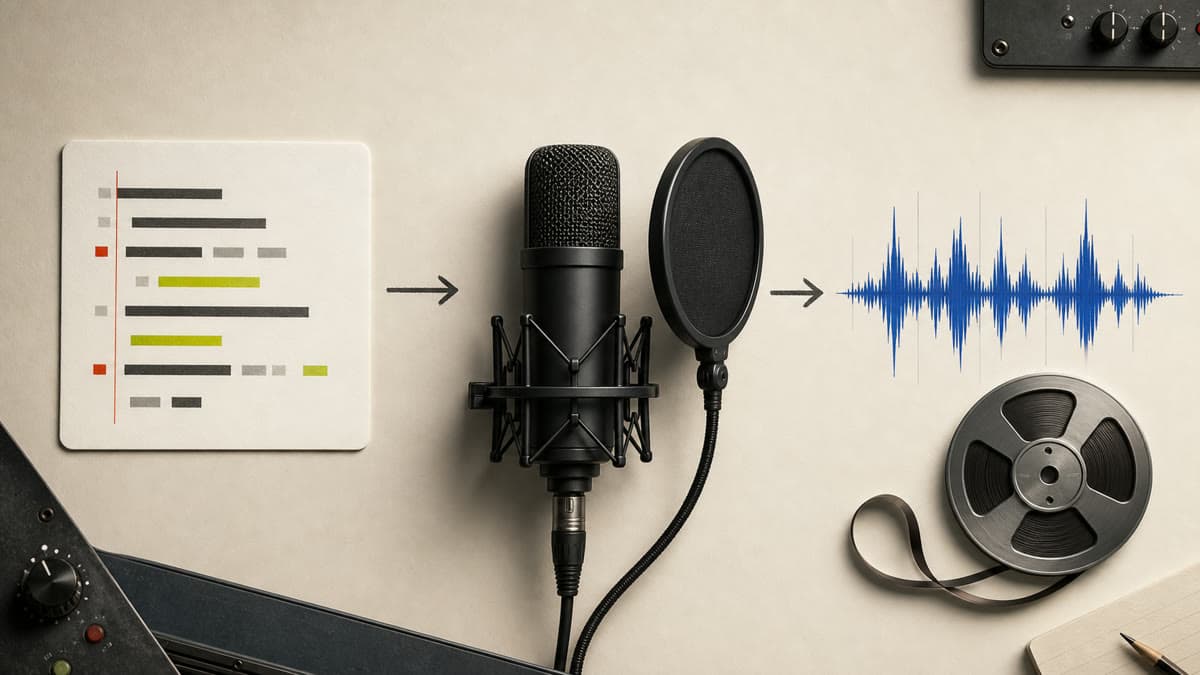
Paste the words, choose a voice and shape the delivery. Brava generates private spoken audio without adding video, music or an unrelated production workflow.
Start from the exact script you intend to record and revise it before using credits.
Choose an available voice and control speed, stability and expressive delivery.
Preview the generated result and keep the completed MP3 privately in your Library.
Add the final words and keep the text within the supported generation length.
Select an available voice, language and calm, natural or energetic settings.
Create the track, preview the full read and download or refine from the result.
Yes. Use a voice and written script suited to the language you need; available voices are shown in the workspace.
Yes. Brava exposes speed, stability and style controls, plus useful delivery presets.
Completed voice generations are saved privately as playable MP3 assets.
Choose the voice and delivery, generate the track and keep the private MP3 with the rest of your media.
Generate a voice-over