Name the action
Describe what changes inside the frame so the clip has a clear visual event.
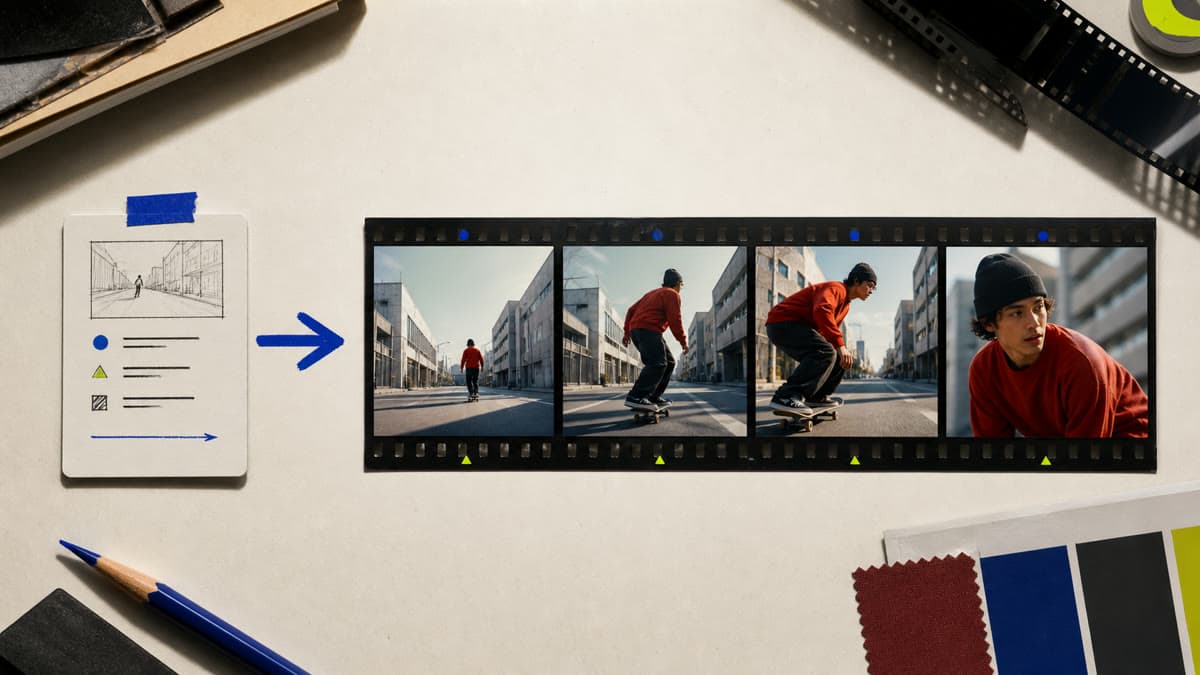
Start with the action, camera and atmosphere—not a generic request for a video. Brava opens the exact controls for creating a focused short clip from text.
Describe what changes inside the frame so the clip has a clear visual event.
Specify a stable frame, push, orbit or other purposeful movement in the written brief.
The finished video stays private and can be previewed, downloaded or remixed from the Library.
Set subject, environment, central action and the moment the clip should capture.
Select an available video model and the supported duration and format controls.
Create the video, review movement and continuity, then download or refine the direction.
No. This workflow starts from a written shot description. Use image-to-video when a specific still must be the first frame.
Yes. Include the intended camera behavior and subject action in the brief before generating.
A completed clip is stored privately in the active workspace Library.
Open the text-to-video job with the correct workspace selected and direct one short, usable clip.
Generate a video