
Name the source
Describe what moves, hits, opens, passes or changes.
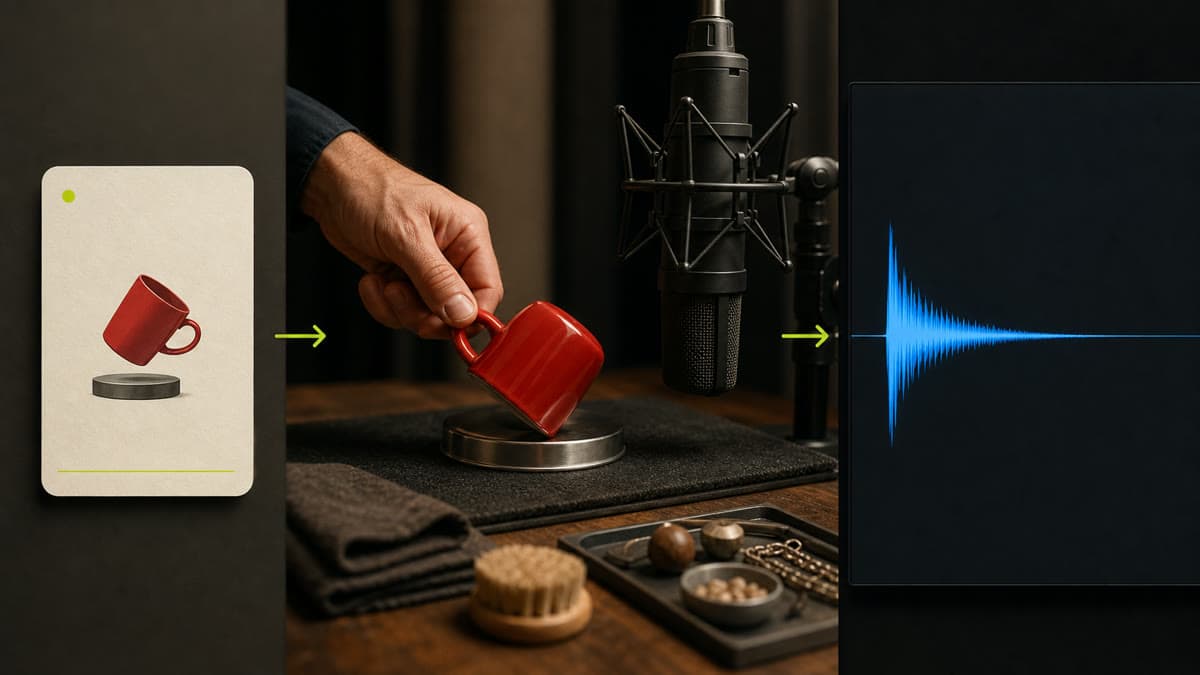
Create one specific effect by naming the source, material, environment, perspective and tail instead of settling for a generic stock sound.
Describe what moves, hits, opens, passes or changes.
Set distance, room, exterior, perspective and material detail.
Choose a dry stop, natural resonance or seamless loop for the edit.
Name the source, action, material, environment and listening perspective.
Select 3, 6 or 10 seconds and enable loop when repetition matters.
Preview the private result and keep it with the project or remix its direction.
Yes. Enable seamless loop when you need repeatable ambience or texture.
Yes. Brava offers focused 3, 6 and 10-second effects within the provider's supported range.
The direction asks for a focused sound effect and excludes music or speech unless you explicitly request them.
Describe one event, set its timing and create a private effect ready for your edit.
Generate a sound