
Direct the feeling
Describe mood, energy, tempo and the role the track should play.
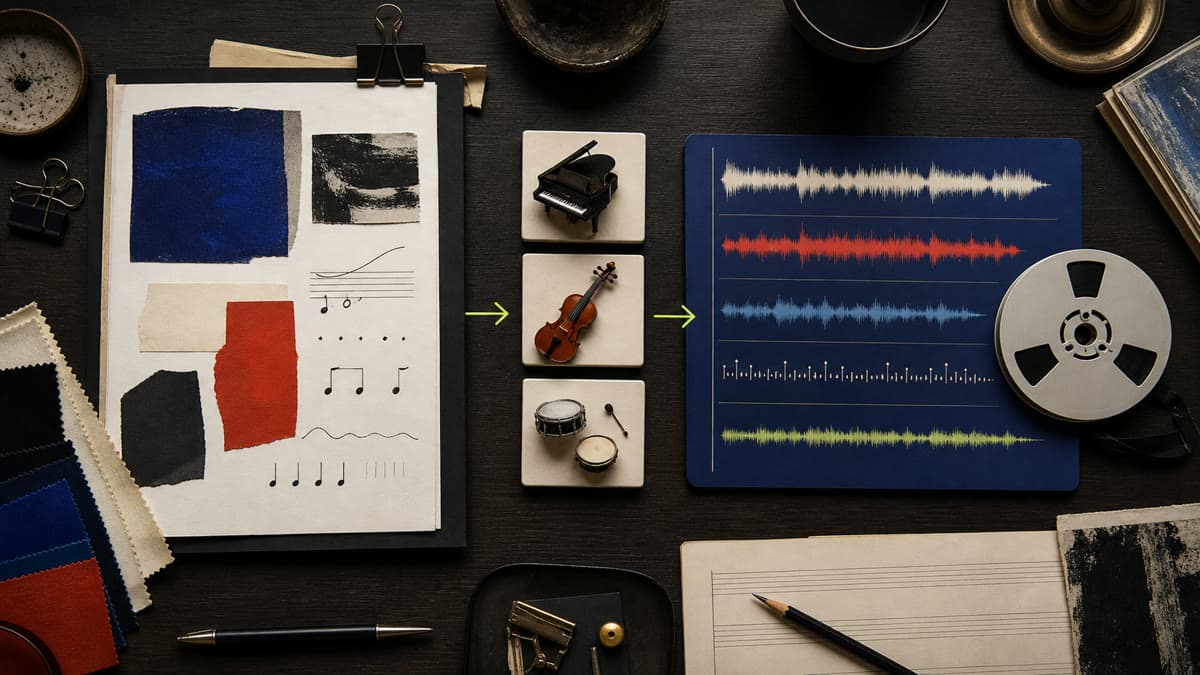
Direct one generated track by mood, genre, instrumentation, progression and ending—without searching a stock library for an almost-right fit.
Describe mood, energy, tempo and the role the track should play.
Name useful instruments, texture, structure and whether vocals belong.
Choose the duration and ask for an edit-ready rise, transition or ending.
Set genre, mood, tempo, instrumentation and the moment it supports.
Select 15, 30 or 60 seconds and keep it instrumental when the piece needs space.
Listen, download the MP3 or remix the same direction from your private Library.
Yes. Brava offers focused 15, 30 and 60-second outputs for common creative edits.
Yes. Instrumental mode prevents lyrics and vocals; turn it off only when the prompt calls for them.
Brava is designed for original direction and asks you to describe musical qualities instead of imitating named artists or protected songs.
Describe the role, choose the length and create a custom track inside the same workspace.
Generate music