
Shape the frame
Specify the subject, point of view and composition instead of leaving the result to a vague prompt.
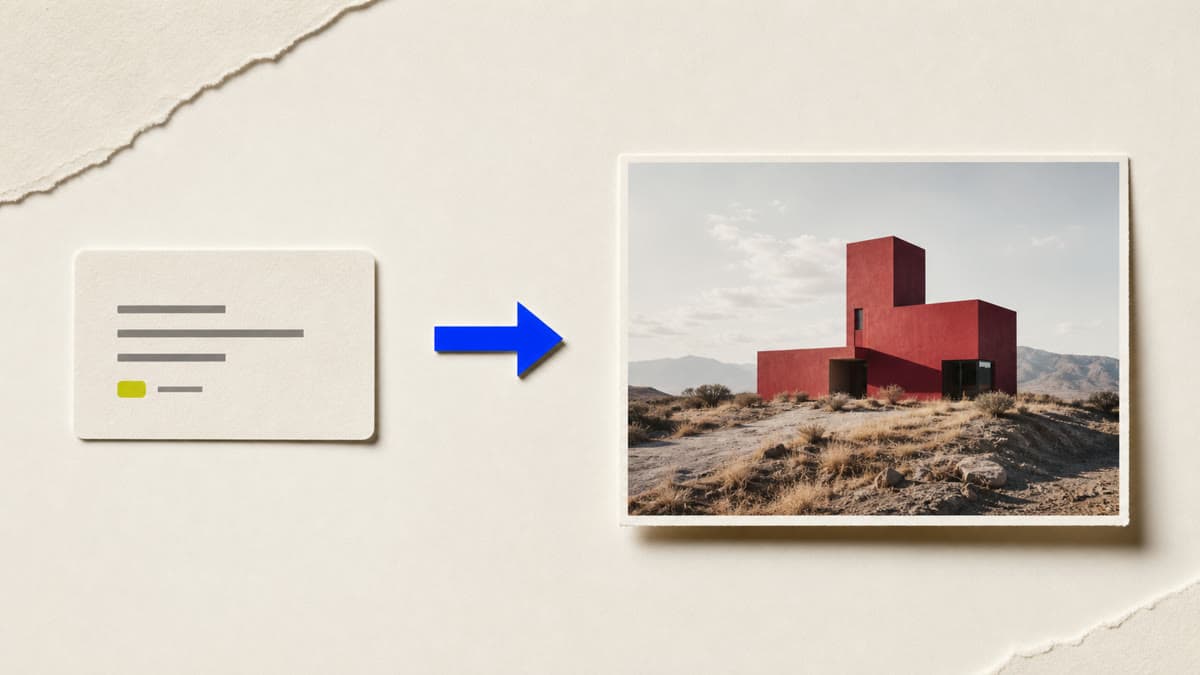
Describe the subject, framing, light and visual language you need. Brava turns that direction into a finished private image without forcing you through a campaign workflow.
Specify the subject, point of view and composition instead of leaving the result to a vague prompt.
Use the image model that fits the job from the options currently available in your workspace.
Completed images are saved privately and can be edited, resized, remixed or downloaded.
Describe what is present, how it is framed and what the image should feel like.
Choose an available image model and the output shape required by the destination.
Create the image, inspect the result and continue from the strongest version.
Yes. Brava shows the image models currently available to your workspace so you can choose before generating.
A completed result is stored as a private asset in the active workspace Library.
Yes. Open it from the Library to edit, resize, remix, add it to a design or download it.
Open the image workspace with the correct job selected and turn one clear direction into a private result.
Generate an image